OUTBOUND
OUTBOUND FOR IT SERVICES
Sell the right capability. Not every capability.
OXO helps IT services teams translate broad capability into account-specific outreach by keeping market selection, company evidence, buyer roles and the proposed next step together.
WHY THIS MOTION BREAKS
A services portfolio can describe dozens of capabilities. Buyers respond to the few that fit a current operating problem, in language that reflects their company.
A service becomes relevant only when it maps to a visible business or technical condition.
Industry experience and delivery evidence should stay attached to the motion that uses it.
Technology, operations, procurement and finance enter at different stages.
HOW OXO RUNS IT
OXO narrows the account set, preserves the evidence behind the fit and uses that context to prepare a focused sequence for the right buyer group.
- 01Select the account pattern
Define the industries, systems, regions and company conditions that make the service relevant.
- 02Attach the capability
Map one clear service angle to the evidence found at the account.
- 03Find the buying roles
Resolve technical, operational and commercial stakeholders.
- 04Prepare the conversation
Sequence the proof, question and handoff across channels.
THE PRODUCT, IN THE WORK
One context.
Three working views.
The screens below show how OXO keeps the it services motion connected as accounts, messages and conversations move.
Read the company before choosing the capability.
Company details, keywords, funding and public context create a working account brief instead of a generic industry assumption.
01 / 03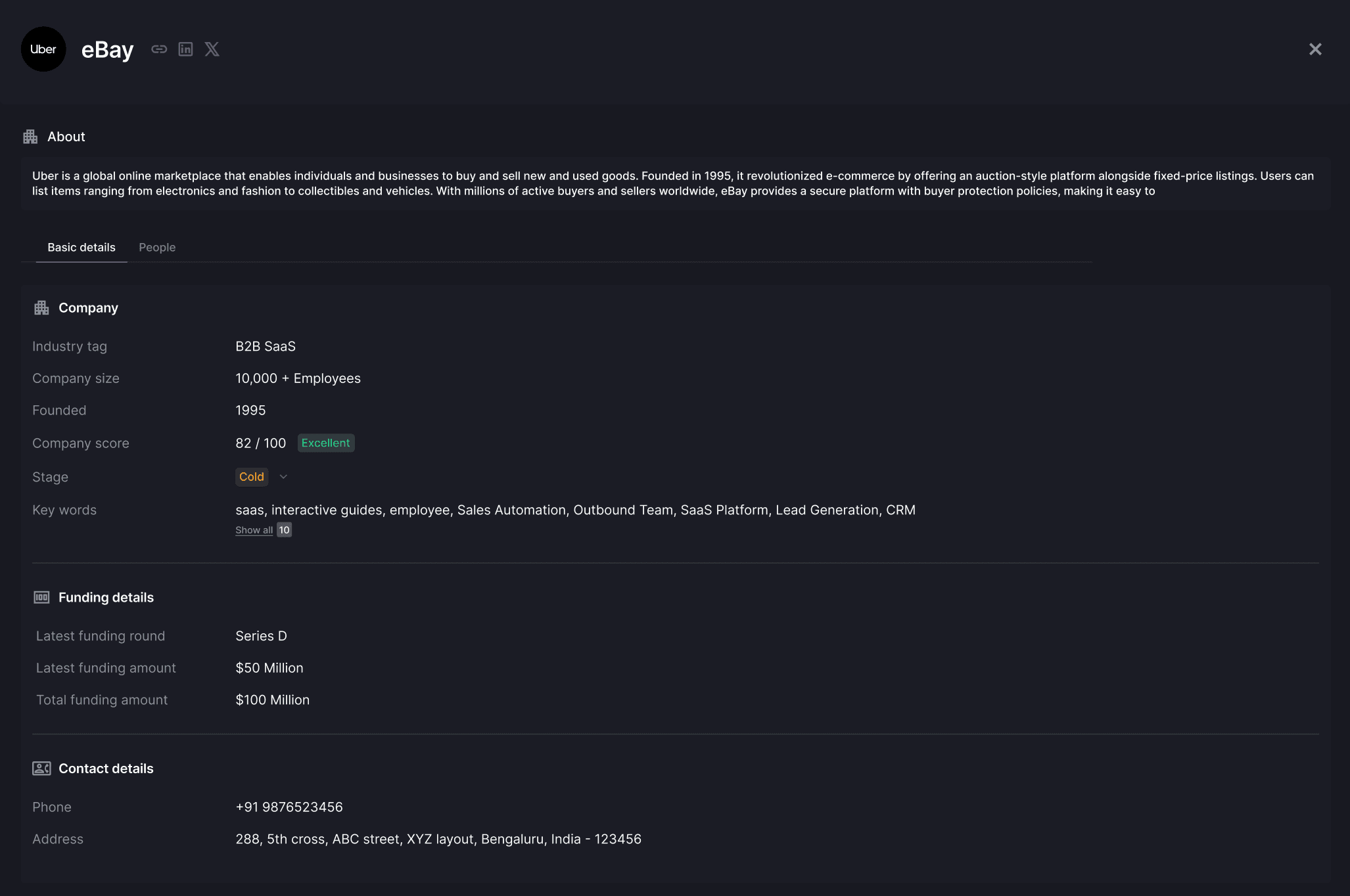
Find who owns the problem.
Role, experience, campaign context and contact routes help the team distinguish technical users from operational and commercial owners.
02 / 03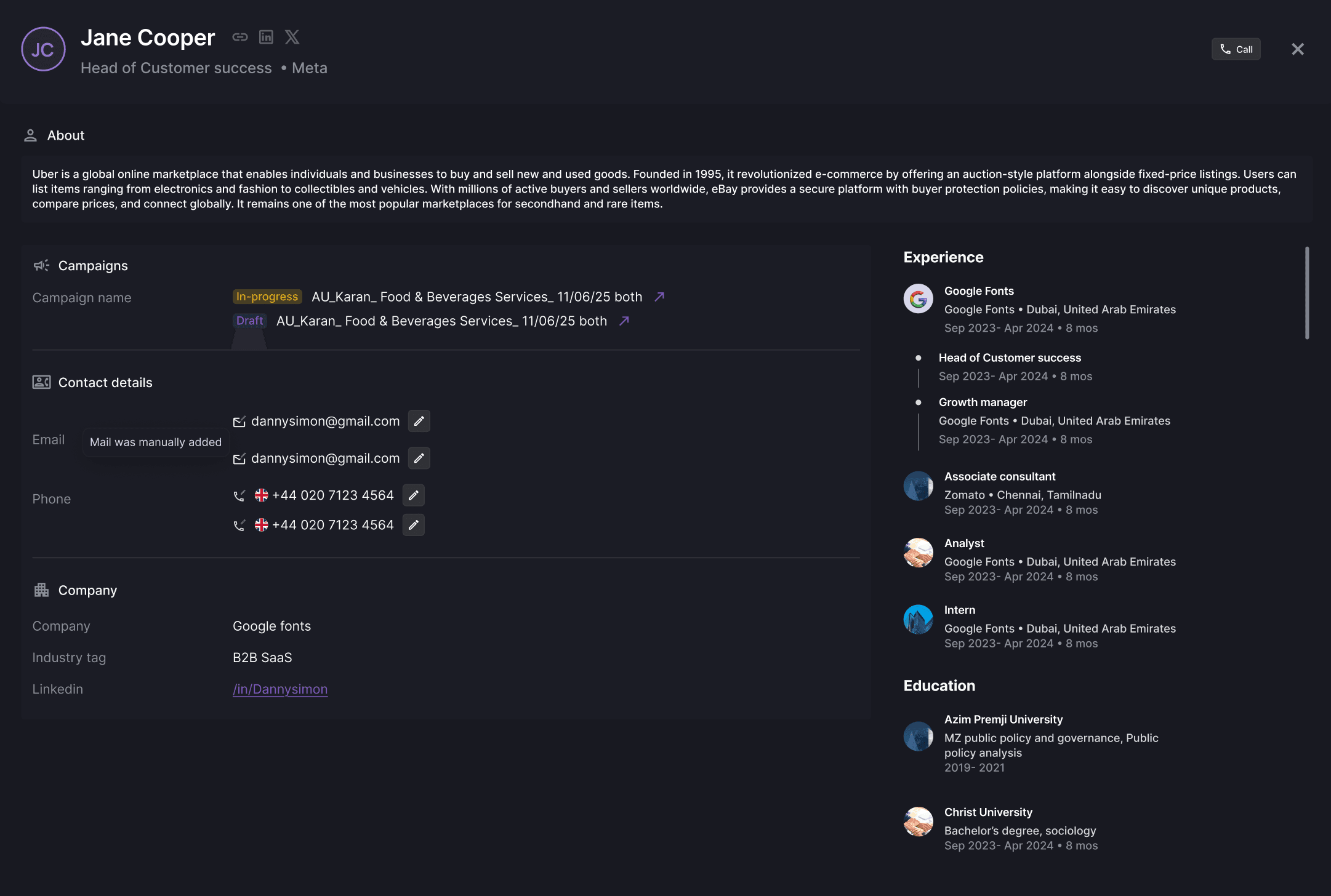
Carry proof into every touch.
The sequence keeps message type, context inputs, wait periods and approvals visible before the campaign runs.
03 / 03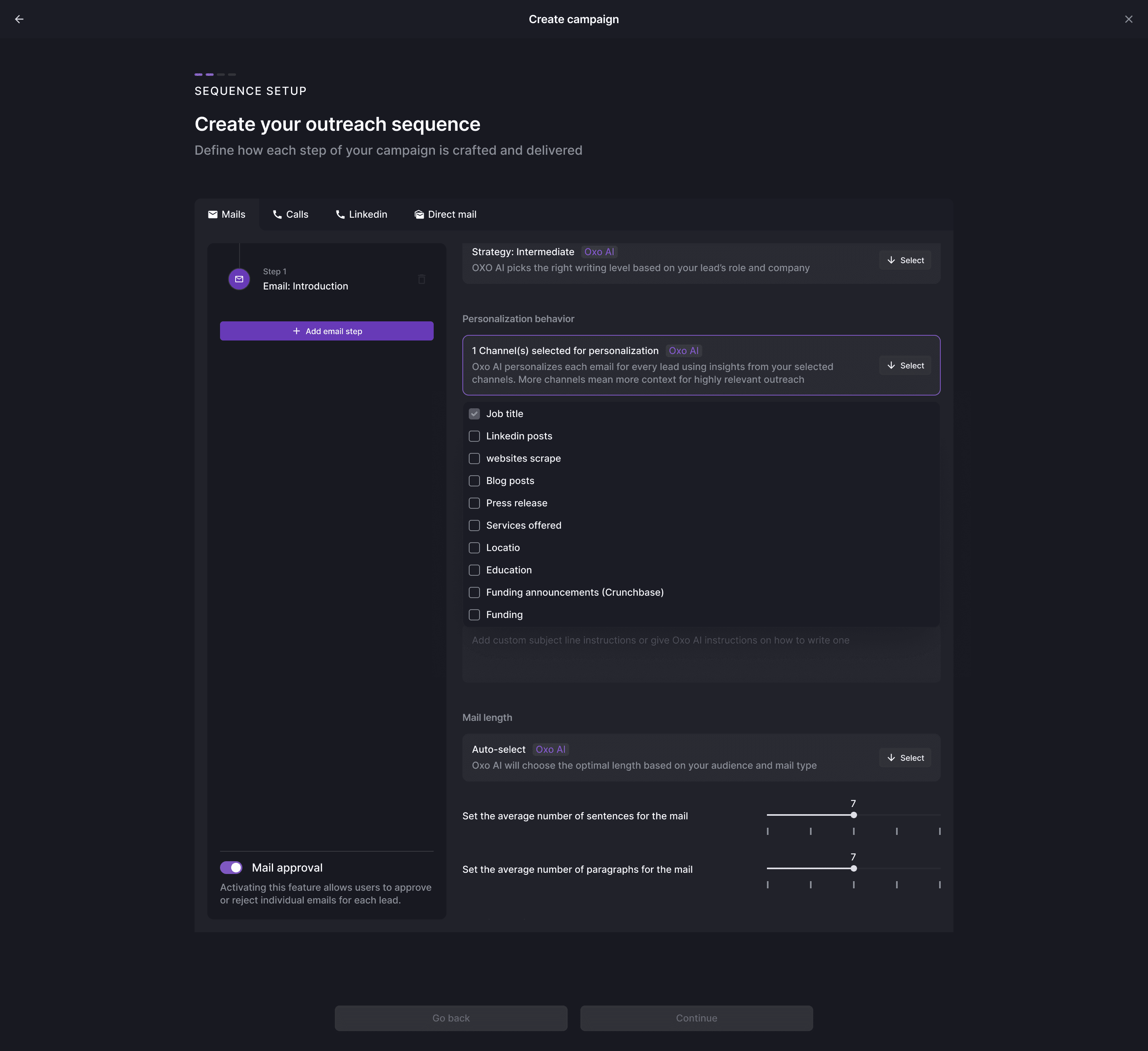
AUTONOMY WITH A BOUNDARY
OXO moves the work.
Your team keeps judgment.
Keep each motion focused on one problem and service angle.
DEFINE →Require proof and claims to be checked before use.
REVIEW →Route qualified interest with the original account brief.
ROUTE →KEEP EXPLORING
The product workflows behind this page.
IT SERVICES / QUESTIONS
What teams usually
ask next.
How does OXO help IT services companies?+
OXO connects account research, stakeholder discovery, context-led messaging, multichannel follow-up and reply routing around a defined service motion.
Can different services use different account rules?+
Yes. Each motion can begin with its own market definition, account evidence, buyer roles and approval boundaries.
How is the account context preserved?+
The company, contact, campaign and conversation records remain connected as the motion moves toward a human handoff or CRM update.
BUILD YOUR MOTION
Match the operating problem before writing the pitch.
Bring the market, offer, buyer group and review rules. See how OXO would run the work around them.